
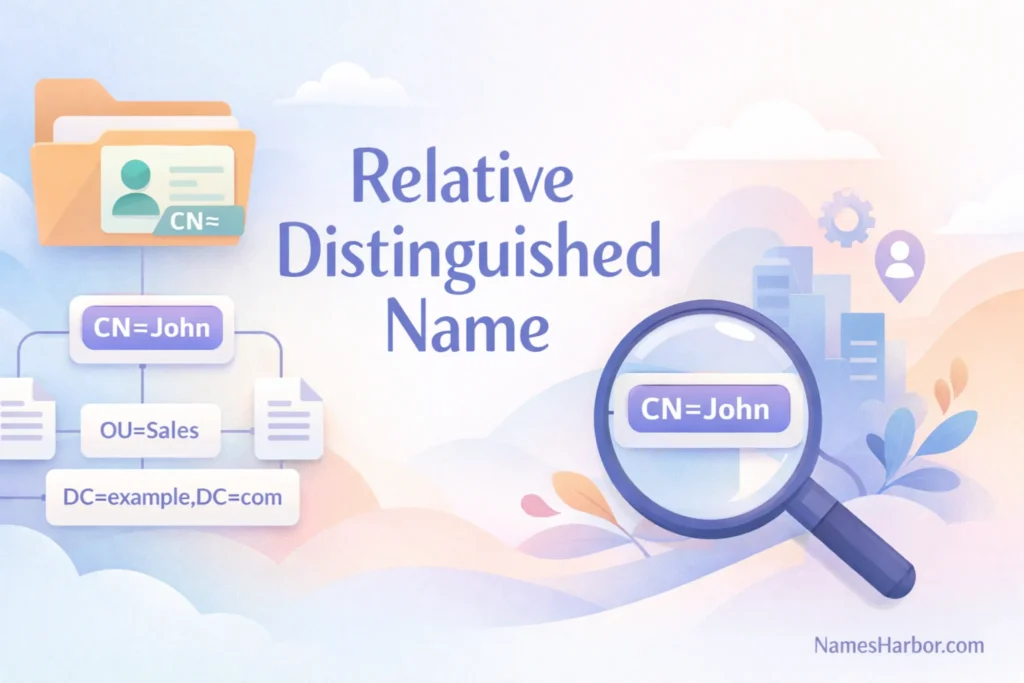
In the world of networking, identity management, and directory services, understanding naming conventions is crucial. Relative Distinguished Name (RDN) is a fundamental concept that ensures objects in directories are uniquely identifiable. This comprehensive guide explores what RDNs are, their structure, uses, and best practices, making it easy for beginners and professionals alike to grasp.
What is a Relative Distinguished Name (RDN)?
A Relative Distinguished Name (RDN) is a component of a directory entry that uniquely identifies an object within its parent context. Unlike the Distinguished Name (DN), which provides the full path from the root of the directory to an object, the RDN only specifies the object relative to its immediate parent.
Example:
- Full DN: cn=John Doe,ou=Users,dc=example,dc=com
- RDN of this object: cn=John Doe
The RDN helps in identifying an object within a container like an organizational unit (OU) or domain, making directory navigation more efficient.
Structure of Relative Distinguished Name
The RDN structure follows a simple attribute-value pattern. The common format is:
<attribute>=<value>
Examples of attributes:
- cn – Common Name
- ou – Organizational Unit
- dc – Domain Component
- uid – User ID
Example RDNs:
- cn=Jane Smith
- ou=Engineering
- uid=jsmith
In multi-valued RDNs, you can combine attributes using a + sign, such as:
cn=John Doe+uid=jdoe
Difference Between DN and RDN
| Feature | Distinguished Name (DN) | Relative Distinguished Name (RDN) |
| Scope | Complete path from root | Relative to parent object |
| Uniqueness | Globally unique | Unique only within the parent container |
| Example | cn=John Doe,ou=Users,dc=example,dc=com | cn=John Doe |
| Use | Used in LDAP queries and certificates | Used to identify object within immediate context |
Understanding this difference is essential for directory management and identity services.
How RDN Works in LDAP
LDAP (Lightweight Directory Access Protocol) is the most common platform where RDNs are used.
- Hierarchical structure: Directories are organized in a tree-like format. Each object has a unique RDN relative to its parent.
- Object identification: When an application queries LDAP, it can retrieve an object by combining its RDN with its parent DN.
- Certificate binding: RDNs often appear in X.500 or X.509 certificates to identify the owner uniquely.
Example LDAP query using DN and RDN:
ldapsearch -x -b “ou=Users,dc=example,dc=com” “cn=John Doe”
Here, cn=John Doe is the RDN, while ou=Users,dc=example,dc=com is the parent DN.
Common Attributes in RDNs
Some frequently used RDN attributes include:
CN (Common Name): Typically a person’s full name.
OU (Organizational Unit): Represents departments or groups.
DC (Domain Component): Part of the domain name.
UID (User ID): Unique identifier for a user.
SN (Surname): Last name of a person.
Pro Tip: Always use consistent attribute naming to prevent conflicts and maintain directory clarity.
Multi-Valued RDNs
Sometimes a single attribute is not sufficient to uniquely identify an object within a parent container. Multi-valued RDNs solve this by combining multiple attributes:
Syntax:
<attribute1>=<value1>+<attribute2>=<value2>
Example:
cn=John Doe+uid=jdoe
This ensures uniqueness within the container and reduces naming conflicts.
Use Cases of Relative Distinguished Names
RDNs are used widely in IT, networking, and security environments. Key use cases include:
- Directory services: Unique identification of users, groups, and devices in LDAP.
- Digital certificates: Binding names to public keys in X.509 certificates.
- Email systems: Structuring addresses in Microsoft Exchange or Active Directory.
- Access management: Role-based access and authentication systems.
These use cases show how RDNs simplify object management across enterprise environments.
Best Practices for RDN Naming
To ensure efficiency and avoid conflicts, follow these best practices:
Uniqueness: Each RDN must be unique within its parent container.
Consistency: Use standardized attribute naming across the organization.
Readability: Keep names clear and human-readable.
Avoid special characters: Stick to alphanumeric characters and dashes or underscores.
Document conventions: Maintain a naming policy for IT teams.
Following these practices ensures smooth directory operations and reduces errors.
RDN in Active Directory
In Microsoft Active Directory (AD):
- RDNs are often used as the cn for user objects and ou for organizational units.
- When creating a new user:
CN=Alice Johnson,OU=HR,DC=company,DC=com
- CN=Alice Johnson is the RDN.
- AD uses this RDN to manage permissions, group memberships, and authentication.
Challenges with RDNs
Although RDNs are essential, there are challenges:
- Naming conflicts: Duplicate RDNs in the same container can cause errors.
- Complex hierarchy: Deep directory trees can make DN construction tricky.
- Renaming issues: Changing an RDN may require updates across systems referencing the object.
- Cross-system consistency: Ensuring RDNs match across multiple directories is challenging.
Being aware of these challenges helps in better planning and directory design.
Tools for Managing RDNs
Several tools and technologies help manage RDNs efficiently:
- LDAP browsers (e.g., Apache Directory Studio, Softerra LDAP Browser)
- Active Directory Users and Computers (ADUC)
- Command-line tools: ldapsearch, ldifde, dsquery
- Certificate management tools for X.509 entries
Using these tools makes creating, modifying, and querying RDNs easier and more reliable.
Examples of RDN in Real-World Applications
Corporate Directory:
- RDN: cn=Michael Scott
- DN: cn=Michael Scott,ou=Sales,dc=dunder,dc=mifflin,dc=com
Email Systems:
- RDN: uid=jdoe
- DN: uid=jdoe,ou=Users,dc=company,dc=com
Security Certificates:
- RDN: cn=Server01
- DN: cn=Server01,ou=Servers,dc=example,dc=com
These examples demonstrate the practical use of RDNs across IT systems.
Conclusion
Understanding Relative Distinguished Names (RDNs) is vital for anyone working with directories, LDAP, or digital certificates. RDNs ensure objects are uniquely identifiable within their parent containers, simplifying management and access control. By following best practices and using appropriate tools, you can maintain a robust, organized directory structure.
FAQs
What is the difference between RDN and DN?
DN is the full path of an object in the directory, while RDN identifies it relative to its parent.
Can an RDN have multiple attributes?
Yes, multi-valued RDNs combine attributes using a + to ensure uniqueness.
What are common RDN attributes?
cn (Common Name), ou (Organizational Unit), dc (Domain Component), uid (User ID).
How are RDNs used in Active Directory?
They define unique identifiers for users, groups, and OUs, enabling proper permissions and access control.
Can an RDN be renamed?
Yes, but renaming requires updating references in all systems using that RDN.