
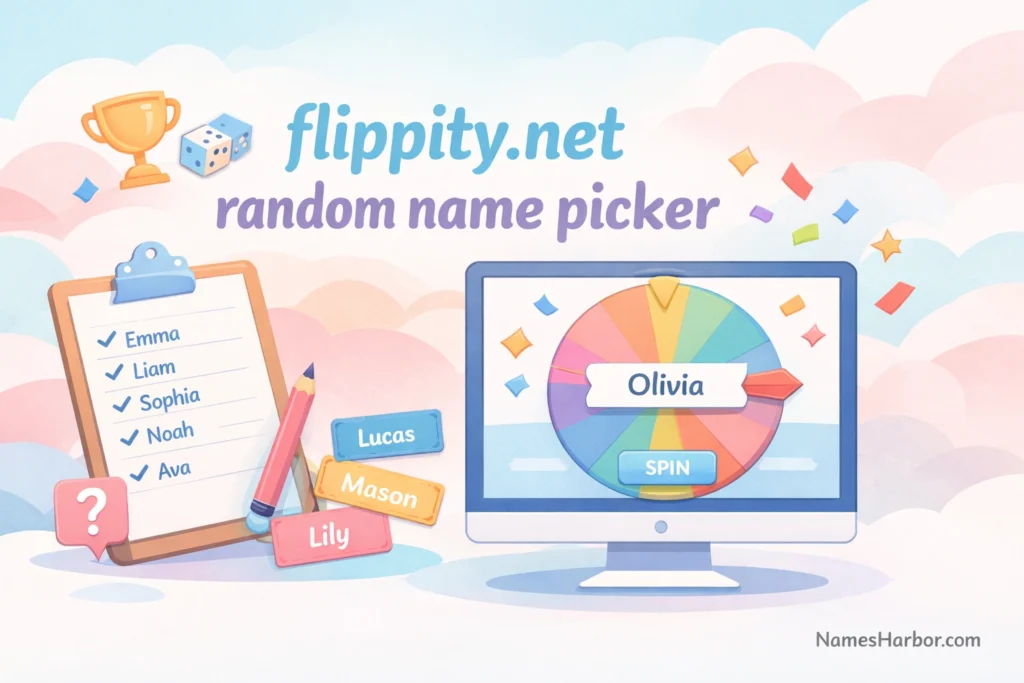
In the digital age, tools that simplify classroom activities, team events, or online contests have become essential. One such tool that stands out for its simplicity and efficiency is Flippity.net Random Name Picker.
Whether you are a teacher, team leader, or event organizer, this tool helps you select names randomly without any hassle. In this guide, we’ll dive deep into everything you need to know about using Flippity.net Random Name Picker, its benefits, and practical tips to maximize its usage.
What is Flippity.net Random Name Picker?
Flippity.net Random Name Picker is an online tool that allows users to pick names randomly from a pre-defined list. It is widely used in educational settings, corporate meetings, and even social gatherings to ensure fair and unbiased selection. The tool works seamlessly with Google Sheets, which makes creating and managing lists extremely easy.
Unlike traditional methods like drawing names from a hat, Flippity.net Random Name Picker is faster, visually engaging, and eliminates human error. With a simple setup, you can spin a virtual wheel or generate random selections, making decision-making fun.
How Flippity.net Works: Step-by-Step Guide
Using Flippity.net Random Name Picker is surprisingly easy. Here’s a simple guide to get started:
Visit Flippity.net
Navigate to and select the “Random Name Picker” template.
Make a Copy in Google Sheets
Click “Template” and make a copy of the Google Sheet to your Google Drive.
Enter Names
Replace the sample names with your own list. You can add as many names as you like.
Publish Your Sheet
Go to File → Publish to the web in Google Sheets. This step is necessary for Flippity to access your data.
Use the Link to Launch the Picker
After publishing, Flippity generates a unique link to launch your random name picker. Click it to start spinning the wheel!
Pro Tip: You can customize colors, fonts, and even sounds to make the random selection more interactive for students or teams.
Benefits of Using Flippity.net Random Name Picker
Flippity.net Random Name Picker offers multiple advantages that make it indispensable for educators and organizers:
- Time-Saving: No need to manually draw names from a bowl or paper slips.
- Fair Selection: Randomization ensures that everyone has an equal chance.
- Engaging Interface: The spinning wheel adds excitement to any activity.
- Versatile Usage: Perfect for classrooms, online webinars, office games, and contests.
- Cloud-Based: Works online with Google Sheets, meaning no downloads or installations required.
Statistics show that using gamified tools like Flippity can increase engagement by up to 40% in classrooms and make decision-making processes more transparent in professional settings.
Classroom Applications of Flippity.net Random Name Picker
Teachers find Flippity.net Random Name Picker especially useful for making lessons interactive. Some practical applications include:
- Calling on Students: Ensure every student gets equal participation.
- Team Selection: Randomly form groups for projects or activities.
- Quiz Participation: Select students to answer questions in quizzes.
- Rewards & Recognition: Randomly pick students for prizes or extra credit.
Example: Instead of picking students alphabetically, a teacher can spin the virtual wheel to select a student, keeping the class alert and engaged.
Using Flippity.net in Corporate Settings
Flippity.net Random Name Picker isn’t just for classrooms—it’s a handy tool for professional environments too:
- Icebreaker Games: Randomly pick employees for team-building activities.
- Meeting Participation: Ensure every team member gets a chance to contribute.
- Award Distribution: Fairly select winners for raffles or recognition programs.
- Project Assignments: Randomly allocate tasks or responsibilities.
This method removes bias and adds a layer of fun, making corporate meetings more lively and inclusive.
Customizing the Random Name Picker Experience
Flippity.net allows multiple customization options to make the experience unique:
- Wheel Colors: Match your theme or brand colors.
- Sound Effects: Add spinning sounds or celebratory tones for winners.
- Fonts & Styles: Adjust fonts to be more readable or playful.
- Number of Spins: Decide how many names to pick at once.
Tip: For larger lists, consider categorizing names into different sheets and picking from one category at a time for better organization.
Pros and Cons of Flippity.net Random Name Picker
Pros:
- Free to use and cloud-based
- Easy integration with Google Sheets
- Interactive and visually engaging
- Eliminates human error and bias
- Quick setup and versatile
Cons:
- Requires internet connection
- Google account needed for full customization
- Limited offline access
Despite a few limitations, the tool’s benefits far outweigh the drawbacks, especially in educational and corporate environments.
Alternatives to Flippity.net Random Name Picker
While Flippity.net is highly popular, other random name selection tools exist:
| Tool Name | Key Feature | Platform |
| Wheel of Names | Fully customizable spinning wheel | Web |
| Random Name Picker | Simple and fast random selections | Web/Offline |
| ClassTools.net Randomizer | Multiple game-based options | Web |
| Picker Wheel | Supports multiple wheels & categories | Web |
Tip: Flippity.net stands out for its Google Sheets integration, which makes managing large lists easier than most alternatives.
Tips for Maximizing Engagement
Here are some actionable tips to make the most of Flippity.net Random Name Picker:
Keep Names Updated: Regularly refresh your list to ensure accuracy.
Use Visual Rewards: Show images or gifs along with selected names for fun.
Create Categories: Separate students, employees, or participants into groups.
Track Selections: Use Google Sheets to log selected names to avoid repeats.
Make It Fun: Add sound effects, animations, and colors to keep participants excited.
These small adjustments can significantly increase participation and engagement.
Flippity.net Random Name Picker for Online Classes
With the rise of remote learning, Flippity.net becomes an indispensable tool:
- Virtual Spin Wheel: Share the wheel link via Zoom, Google Meet, or Teams.
- Interactive Quizzes: Randomly select students to answer questions online.
- Attendance & Participation: Encourage consistent engagement in virtual classrooms.
- Live Contests: Organize online competitions or trivia sessions efficiently.
Online educators can create a lively and interactive learning environment with minimal effort.
Safety and Privacy Considerations
When using Flippity.net Random Name Picker:
- Avoid sharing sensitive personal data publicly.
- Make sure Google Sheets are only accessible to authorized users.
- Do not include confidential employee information without consent.
- Always review sharing settings in Google Sheets before publishing.
Following these guidelines ensures secure and responsible usage, especially in professional environments.
Conclusion
Flippity.net Random Name Picker is a versatile, user-friendly, and highly engaging tool for selecting names randomly. Whether you are a teacher aiming to make your classroom interactive, a team leader organizing office games, or an event host running contests, this tool saves time and ensures fairness. By integrating Flippity with Google Sheets, customizing the wheel, and using creative engagement techniques, you can transform mundane selection tasks into fun, interactive experiences.
Call to Action: Try Flippity.net Random Name Picker today and experience the ease and excitement of random selections for yourself. Spin the wheel, pick names, and make every activity engaging!
FAQs
Is Flippity.net free to use?
Yes, Flippity.net Random Name Picker is completely free and works online with Google Sheets.
Can I use Flippity.net without a Google account?
No, a Google account is required to create and edit the sheets for random name picking.
How many names can I add?
You can add hundreds of names; the only limitation is the Google Sheet capacity.
Can I customize the appearance of the name picker?
Yes, Flippity.net allows changes in colors, fonts, and even sound effects.
Is it safe to use for online classes or corporate teams?
Yes, as long as you manage sharing permissions properly, it is safe and secure.
Can I pick multiple names at once?
Absolutely! You can configure the number of names you want to pick during each spin.